
This guide describes the Epec CANmoon tool for configuring, monitoring, and diagnosing nodes on a CAN bus, including firmware updates and Python scripting…
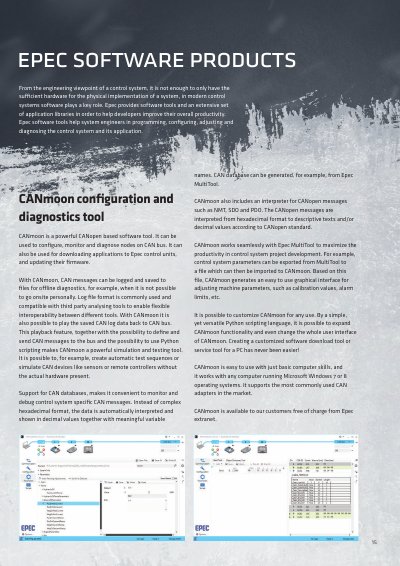
CANmoon is a powerful software tool designed to configure, monitor, and diagnose nodes on a CAN bus. It supports downloading applications and updating firmware on Epec control units. The tool allows users to log and replay CAN messages for offline diagnostics and simulation without requiring onsite presence.
The software includes an interpreter for CANopen messages (NMT, SDO, PDO) and supports Python scripting to create automatic test sequences or simulate devices like sensors. It works seamlessly with the Epec MultiTool system design tool, allowing parameters exported from MultiTool to be imported into CANmoon for graphical adjustment of machine parameters.
CANmoon works with any computer running Microsoft Windows 7 or 8 operating systems.
All Epec libraries are available for CODESYS versions 2.3 and 3.5.
The playback feature allows users to play saved CAN log data back to the CAN bus.