
Instruction manual for the Emotron FDU 2.0 and VFX 2.0 external control panel, covering kit contents, part numbers, and mounting steps.
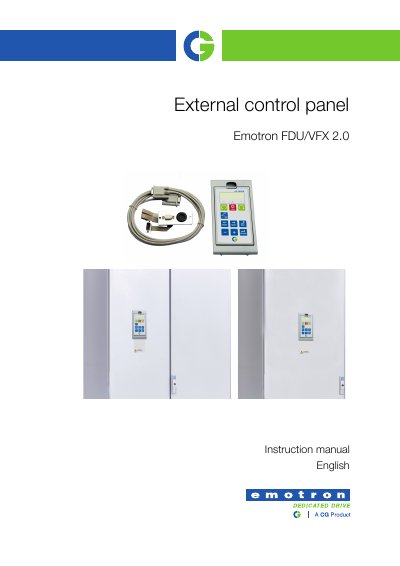
This instruction manual describes the external control panel for Emotron FDU 2.0 and VFX 2.0 AC drives. It lists the components included in the blank and complete control panel kits, along with part numbers for drive sizes B, C, D and up, including variants with a coated board.
The manual provides step-by-step mounting instructions for installing the control panel in a cabinet door or external panel, including drilling the cabinet door, fitting the mounting frame and gland plate, routing the ribbon cable with clips, and connecting the RS232 cable. It also notes that a control panel with display cannot be used on the AC drive and the cabinet door at the same time, so one of the panels must be blank.
| RS232 cable length | 3 m |
|---|---|
| Mounting hole height | 180.30 mm |
Each kit contains a control panel or blank panel, mounting frame, gland plate with D-sub connector and ribbon cable, mounting clamps, mounting screws, spacers, clips, washers, and an RS232 cable.
No. A control panel with display cannot be used on the AC drive and the cabinet door at the same time; one of the panels must be blank.
Drill the hole using the template on the last page, place the mounting frame from the outside, and fasten it from the inside with three mounting clamps and screws.
Connect the ribbon cable to the female D-sub contact on the back of the control panel, then connect the standard RS232 cable between the gland plate at the bottom of the AC drive and the back plane of the control panel.