
The EM TEST Compact NX5 data sheet lists specifications, features and accessories for the multifunctional test generator.
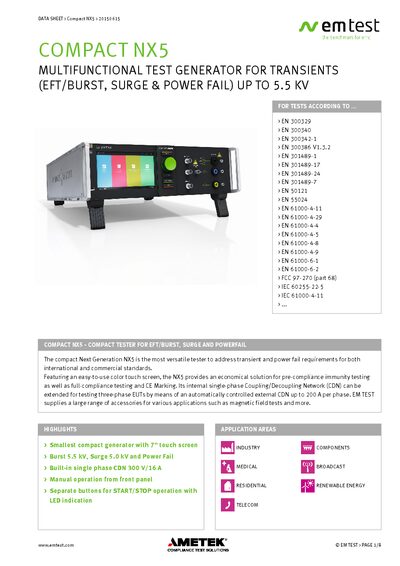
The Compact NX5 is a multifunctional test generator designed for transient, surge and power‑fail testing according to a wide range of international EMC standards. It offers a 7‑inch color touch screen, built‑in single‑phase coupling/decoupling network and optional three‑phase extensions for up to 200 A per phase.
The unit can be operated locally or remotely via Ethernet, USB or optical interfaces, and includes a variety of auxiliary devices such as coupling networks, magnetic field coils and verification kits. Safety features include interlock, warning lamp and compliance with IEC/EN 61010. Technical data, dimensions and power consumption are provided for system integration.
| Maximum burst voltage | 5.5 kV |
|---|---|
| Built‑in coupling/decoupling network | 300 V / 16 A single‑phase |
| Touch screen size | 7 inches |
| Power consumption | ≈ 75 W |
| Weight | 21.8 kg |
| Dimensions | 19" (3 HU) |
| Mains supply voltage | 85 V – 264 V |
| Test voltage range (EFT) | 200 V – 5,500 V ±10 % |
The Compact NX5 can generate burst voltages up to 5.5 kV.
It can be controlled via its built‑in Ethernet, USB or optical interface.
The device meets the IEC/EN 61010 safety standard.