
The ELPRO 415U Condor manual provides installation, safety, configuration and troubleshooting guidance for the long‑range wireless I/O and gateway.
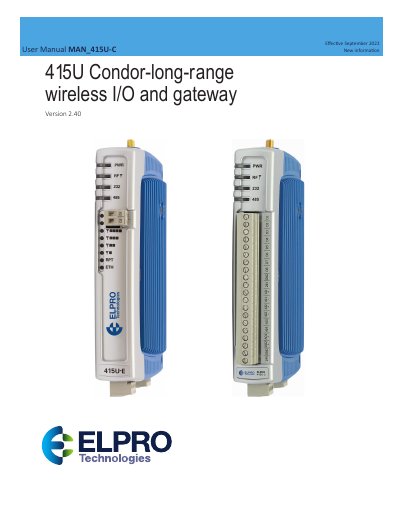
The ELPRO 415U Condor series is a wireless I/O and gateway designed for industrial environments. It supports both wired Ethernet and long‑range radio communication, offering digital, analog and pulsed inputs and outputs, as well as Modbus, DNP3 and MQTT protocols.
The manual covers safety notices, FCC and hazardous‑location requirements, installation steps, power supply specifications, grounding, antenna placement, configuration using the CConfig utility, networking options, diagnostics, and secure hardening guidelines. It also includes a detailed specifications table and troubleshooting procedures.
| Operating temperature range | -40 °C ≤ Ta ≤ +70 °C |
|---|---|
| Enclosure protection | IP54 |
| External power supply | 15 V DC – 30 V DC, minimum 3500 mA |
| Radio transmit power (high‑power models) | 10 mW – 10 W |
| Digital I/O count | 8 discrete I/O |
| Analog inputs | 2 single‑ended, 2 differential |
| Analog outputs | 2 current‑sourcing outputs |
| Maximum expansion modules | 19 ELPRO 115S modules |
The antenna must be installed at least 20 cm away from all persons.
Up to 19 ELPRO 115S expansion modules can be attached via RS‑485.