
A quickstart guide for Elektron's Octatrack demo mode, showing how to enter demo mode, play patterns, adjust sound, and assign samples.
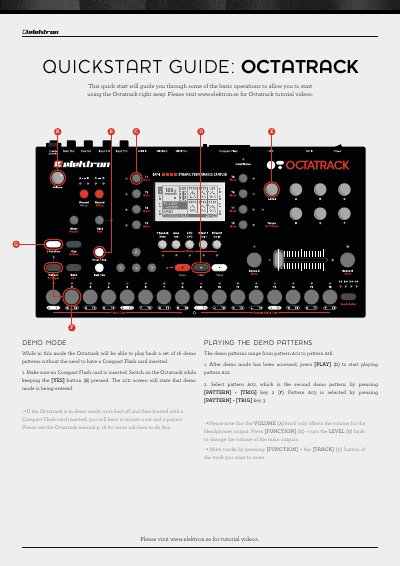
This guide explains how to start the Octatrack in demo mode without a Compact Flash card, how to play the 16 built‑in demo patterns, and how to control volume and mute tracks. It also covers basic navigation of the demo interface and where to find further tutorial videos online.
Additional sections describe how to adjust sample parameters on each track, change pitch, and revert settings, as well as how to assign a new sample to a track using the playback setup menu and Flex sample slots.
| Number of demo patterns | 16 |
|---|---|
| Tracks with Flex machines | Tracks 1–7 |
The demo mode includes 16 patterns, numbered from 01 to 16.