
Instructions for connecting, configuring, and using the EHEIM Digital interface for the thermocontrol+e heater via smartphone, tablet, or PC.
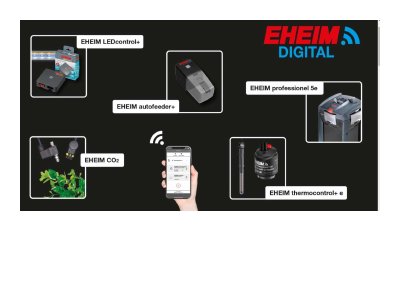
This manual provides instructions for accessing the EHEIM Digital interface for the thermocontrol+e heater. It covers two methods for initial connection: scanning QR codes provided on the device or manually connecting via Wi-Fi using the device's IP address. Once connected, users can configure the device through a web browser to set the aquarium name, temperature settings, and control modes. This manual is written in Dutch.
Hold the red button on top of the heater for 5-7 seconds until the light blinks in various colors and then turns blue.
The IP address for manual connection is http://192.168.1.1.