
User instructions for the EHEIM LEDcontrol+ aquarium LED controller, covering installation, WLAN setup, web configuration, and technical data.
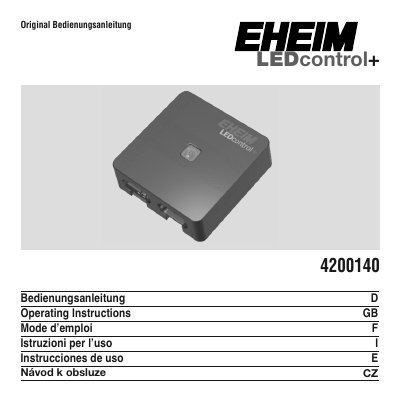
The EHEIM LEDcontrol+ is a controller for aquarium lighting, intended for use with EHEIM powerLED+ lights from serial no. 17xx05. It can control the color channels separately and is configured through a web page after connecting to its WLAN network.
The document contains general user instructions, safety notes, installation and commissioning steps, network connection details, start configuration, and technical data. The instructions are provided in several languages. This manual is written in German.
| Type no. | 4200140 |
|---|---|
| Input | 24V DC |
| Output | Max. 180 Watt |
| Dimensions | B 97 x H 97 x T 28 mm |
| Protection class | III |
| Compatible lights | EHEIM powerLED+ from serial no. 17xx05 |
It is used to control the lighting of an aquarium.
It is specially designed for EHEIM powerLED+ lights from serial no. 17xx05.
Open the device's network settings and connect to the WLAN network #EHEIM LEDcontrol+.
You can open http//eheimledcontrolplus.local or http://192.168.1.1.