
Quick Start Guide for the Edge Core AS5835-54T 54‑port 10G/100G Ethernet Switch, covering installation, power connection, and basic operation.
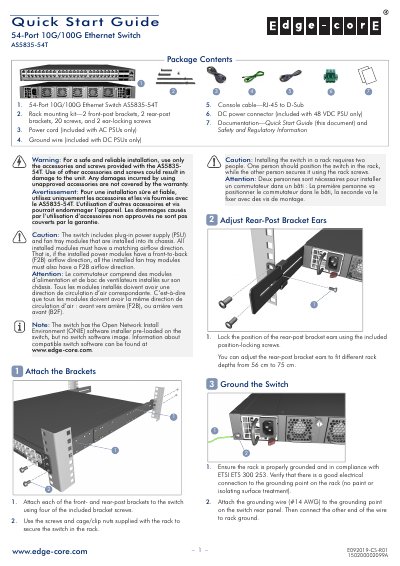
This guide provides step‑by‑step instructions for installing the AS5835-54T switch, including attaching front‑ and rear‑post brackets, grounding the chassis, and connecting power supplies. It also explains how to verify LED status, boot the switch with the ONIE installer, and connect network cables for both RJ‑45 and QSFP28 ports.
Technical details such as chassis dimensions, weight, operating temperature ranges, power ratings, and regulatory compliance are listed, helping installers ensure the switch meets environmental and safety requirements.
| Ports | 54 ports 10G/100G Ethernet |
|---|---|
| Dimensions (W×D×H) | 442.5 x 473.3 x 43.95 mm |
| Weight | 9.59 kg |
| Maximum Power Consumption | 323 Watts |
| AC Power Input | 100–240 VAC, 50–60 Hz, 400 W |
| DC Power Input | 48 VDC, 400 W |
| Operating Temperature | 0 °C to 40 °C |
| Storage Temperature | -40 °C to 70 °C |
| Humidity (non‑condensing) | 5 % to 95 % |
The switch supports up to two AC or DC PSUs, and both must have the same airflow direction as the installed fan tray.
Green LEDs indicate 10 Gbps mode on RJ‑45 ports.
Use a #14 AWG grounding wire to connect the switch to the rack ground.
The power supply should be UL/IEC/EN 60950‑1 certified.