
Technical reference manual for the EDAC 700b RTU covering installation, configuration, wiring diagrams, and specifications.
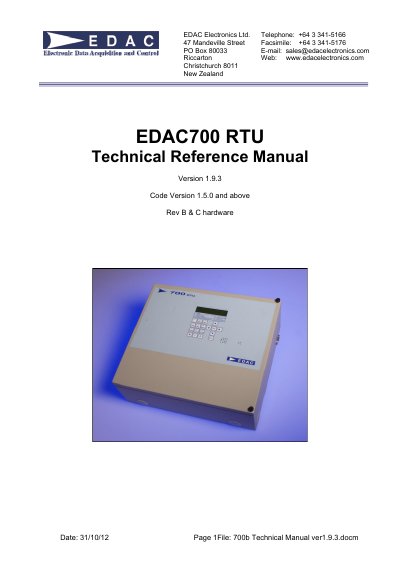
This document serves as the Technical Reference Manual for the EDAC 700b RTU. It provides comprehensive guidance on installation procedures, including power-up sequences and RS232 connections. The manual details how to configure the device using Hyperterm and the built-in keypad, covering direct connections, modem setups, and various menu structures for I/O, groups, and system settings.
| Input Voltage | 10VDC to 30VDC |
|---|---|
| Power Supply cut off voltage | 9.3v |
| Input Current | 300mA normal operation |
| Battery Backup | 12V 7A/Hour |
| Battery charge current | 50mA |
| Auto power down voltage | 10.8v |
| Physical I/O count | 20 |
| Analogue Inputs resolution | 12 bit |
| Outputs maximum current | 150mA |
| LCD display | 2 line 20 digit |
| Keypad | 18 key splash-proof |
| Modem type | Internal 14k4 modem |
| Weight | 10 kg |
| Height | 303 mm |
| Width | 343 mm |
| Depth | 120 mm |
It indicates the software version required for technical support calls.
The device may generate a low battery alarm and ask for a PIN.
It means the memory has been scrambled and the database has been repaired during reboot.
It should be used after an 'ERROR: db repair' or after an Operating System upgrade.