
Installation and operation manual for Eclipse 1/3-inch CCD cameras covering safety, connections, lens mounting, and specifications.
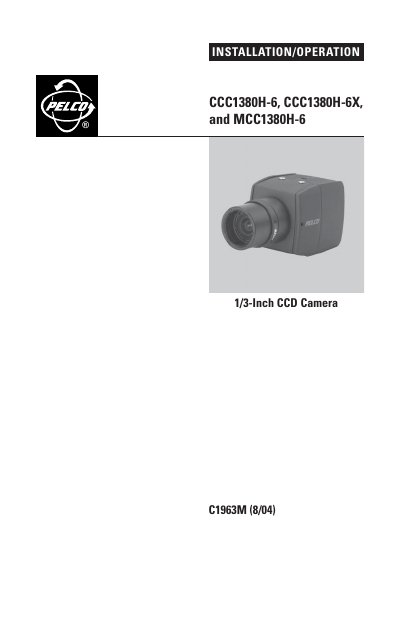
This manual provides installation and operation instructions for the Eclipse CCC1380H-6, CCC1380H-6X, and MCC1380H-6 digital cameras. These high-resolution, compact video cameras feature a 1/3-inch CCD imager and support various power options including 24 VAC and 12 VDC. The document details the location and function of parts, connection requirements for power and video signals, and procedures for lens installation and adjustment.
| Imager Size | 1/3-inch CCD |
|---|---|
| CCC1380H-6 Power | 24 VAC, 60 Hz/12 VDC |
| CCC1380H-6X Power | 24 VAC, 50Hz/12 VDC |
| MCC1380H-6 Power | 24 VAC, 60 Hz/12 VDC |
| Lens Mount Type | Standard CS |
| Max Video Distance (RG59/U) | 750 ft (229 m) |
| Max Video Distance (RG6/U) | 1,000 ft (305 m) |
| Max Video Distance (RG11/U) | 1,500 ft (457 m) |
The camera has a standard CS lens mount but can use a C-mount lens when a C/CS-mount adapter is installed.
Supported cables include RG59/U (750 ft), RG6/U (1,000 ft), and RG11/U (1,500 ft), all requiring minimum 75 ohms impedance.