
Official guide for programming, testing, and troubleshooting the E-Z-GO TXT 48V speed controller using the Curtis handheld programmer.
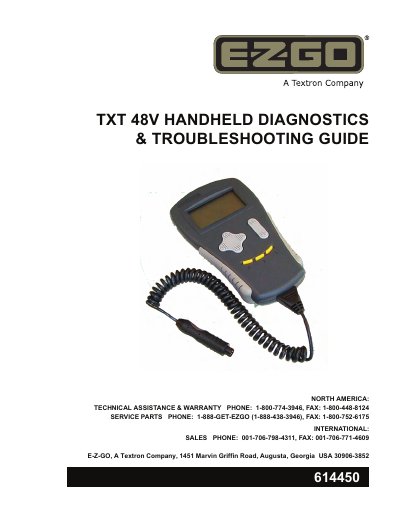
This document serves as a technical guide for the E-Z-GO TXT 48V vehicle, specifically focusing on the use of the Curtis handheld programmer. It details the procedures for connecting the programmer to the vehicle's diagnostic port via either a 4-pin Tyco or 4-pin Molex connection. The guide explains how to navigate the programmer's menu system to access vehicle profiles, monitor real-time diagnostics, and view fault history.
| Voltage | 48V |
|---|---|
| Operating Temperature Range | -55 - 125 C |
The programmer connects via a 'Molex to Tyco' adaptor to the vehicle diagnostic port, or directly to the controller using a 'Molex' connection after removing the shield.
The programmer will not function when the Run-Tow switch is in the Tow position or when the battery charger is connected to the vehicle.
This fault indicates that the motor field winding is open, meaning the field winding or its connection is open.