
The DVACO AN-300-RT-4L2W router user manual provides setup, configuration, and maintenance instructions.
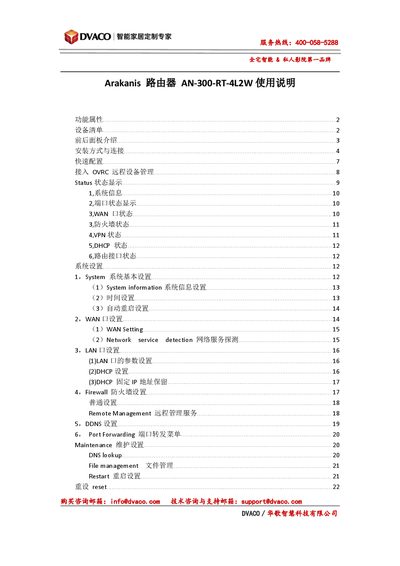
This manual introduces the Arakanis AN-300-RT-4L2W router, detailing its hardware features, front and rear panel indicators, power requirements, and various installation options such as rack, wall, or cabinet mounting. It also lists the device accessories and provides a quick‑start guide for initial connection.
The guide covers software configuration, including IP address setup, login credentials, WAN/LAN settings, VLAN, VPN, firewall, DDNS, port forwarding, OVRC remote management, and maintenance tasks like firmware upgrade, backup, and factory reset. This manual is written in Chinese.
| LAN ports | 4 |
|---|---|
| WAN ports | 2 |
| Power input | 12V DC 1A |
| VLAN 802.1Q support | Yes |
| VPN/OpenVPN support | Yes |
Press and hold the reset button for 20 seconds until the Diag LED flashes rapidly; the device will restore factory defaults while keeping the firmware unchanged.
The default IP address is 192.168.1.1, with username "arkanis" and password "arkanis".
The router supports DDNS services such as DynDNS.org, 3322.org, WattBoxDNS.com, AraknisDNS.com, WirepathDNS.com, and NO‑IP.org.