
Key facts
- Manuals
- 2
- Languages
- ZH
- Last added
- 2026-09-29
Featured DVACO manuals
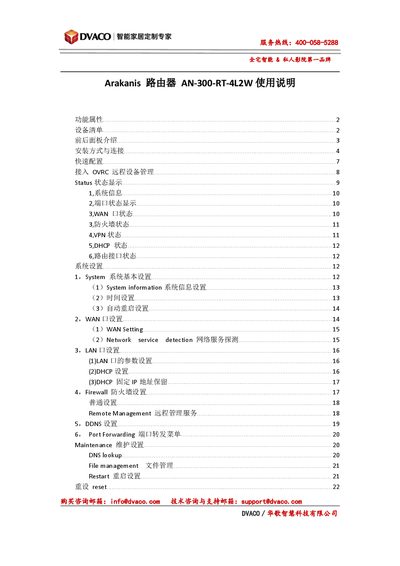
DVACO AN-300-RT-4L2W Router User Manual
This manual introduces the Arakanis AN-300-RT-4L2W router, detailing its hardware features, front and rear panel indicators, power requirements, and various installation options such as rack, wall, or cabinet mounting. It also lists the device accessories and provides a quick‑start guide for initial connection.
The guide covers software configuration, including IP address setup, login credentials, WAN/LAN settings, VLAN, VPN, firewall, DDNS, port forwarding, OVRC remote management, and maintenance tasks like firmware upgrade, backup, and factory reset. This manual is written in Chinese.
Covers: Features · Device List · Front and Rear Panel · Installation and Connection · Quick Setup · OVRC Remote Management
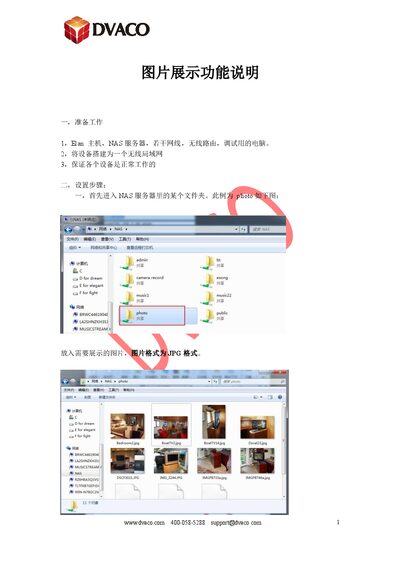
DVACO Elan Host Image Display Feature Guide
The document provides step‑by‑step instructions for configuring the image display function on a DVACO Elan host. It describes the required hardware, network setup, and how to share a photo folder from a NAS server.\n\nAfter configuring the shared folder and interface settings, the guide shows how to view the images on the host’s control screen and includes notes on screen‑saver settings and troubleshooting tips if images are not detected. This manual is written in Chinese.
Covers: Preparation · Setup Steps · Interface Configuration · Viewing the Images · Notes and Troubleshooting
Latest DVACO manuals
DVACO AN-300-RT-4L2W Router User Manual
User Manual 22 pages · 2.5 MB · ZHThe DVACO AN-300-RT-4L2W router user manual provides setup, configuration, and maintenance instructions.
DVACO Elan Host Image Display Feature Guide
User Manual 6 pages · 788 KB · ZHThis guide explains how to set up image display on a DVACO Elan host using a NAS server, covering network setup, folder sharing, interface configuration…
Which document do I need?
User Manual
Day-to-day operation, settings and troubleshooting. Start here if the product is already set up.
Questions answered in DVACO manuals
How do I reset the router to factory settings?
Press and hold the reset button for 20 seconds until the Diag LED flashes rapidly; the device will restore factory defaults while keeping the firmware unchanged.
What is the default IP address and login credentials for the router?
The default IP address is 192.168.1.1, with username "arkanis" and password "arkanis".
What should I do if the host does not scan images after adding the path?
Delete the old path, re‑add it, or perform a soft reboot of the host.
How can I set the screen saver timeout on the Elan touch screen?
Set "Screen saver Time" to the desired idle minutes (e.g., 1 minute) and "Display off time" to the desired display duration (e.g., 30 minutes).