
Developer's manual for DM&P X-Linux, a reduced Linux package for ICOP/DMP boards covering installation, configuration, and utility usage.
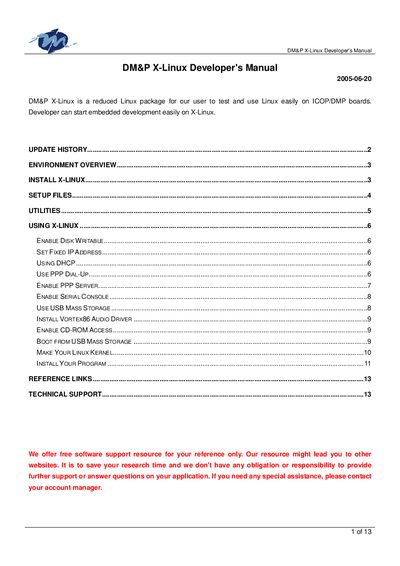
This document serves as a developer's manual for DM&P X-Linux, a reduced Linux package designed for testing and using Linux easily on ICOP/DMP boards. It provides instructions for installation, environment setup, and configuration of various system utilities.
The guide covers essential tasks such as enabling disk writability, setting fixed IP addresses, configuring DHCP and PPP dial-up, and enabling serial consoles. It also details how to install specific drivers like the Vortex86 audio driver and access CD-ROM or USB mass storage devices.
| Linux Kernel Version | 2.4.31 |
|---|---|
| Boot Loader | LILO 22.2 |
| Shell | BusyBox 1.00 |
| FTP Server | WU-FTPD 2.6.2 |
| TELNET Server | netkit-telnet-0.17 |
| HTTP Server | WN Server 2.4.6 |
| Share Library | glibc 2.3.2 |
| Size Requirement | < 6 MB |
The default user name is root and the password is password.
The Linux kernel in X-Linux only supports EXT2 and FAT16/32 file systems.
No, if you enable PPP server function, the PPP client dial-up function will not work.