
User manual for the DiscountCarStereo PA12-BMW interface, which connects iPods to BMW audio systems via direct or hybrid modes.
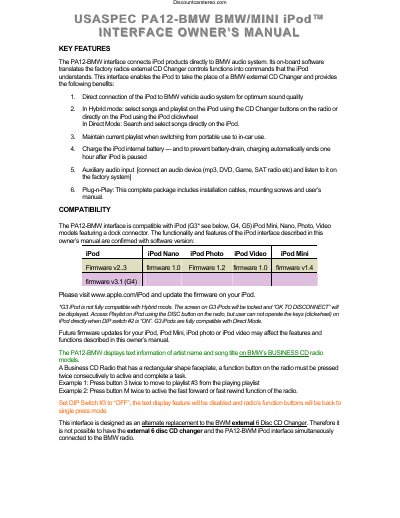
The DiscountCarStereo PA12-BMW interface connects iPod products directly to BMW audio systems. Its on-board software translates factory radio external CD Changer controls into commands the iPod understands, allowing the iPod to replace a BMW external CD Changer. The device supports direct connection, playlist mode, and auxiliary audio input.
| Compatible iPod Models | iPod (G3, G4, G5), iPod Mini, Nano, Photo, Video |
|---|---|
| Charging Time Limit | 1 hour after iPod is paused |
| Configuration Time | 30 seconds |
The two modes are Playlist Mode, which operates the iPod like a CD Changer, and Direct Mode, which allows searching and selecting music directly on the iPod.
To use the auxiliary input, set DIP switch #1 to the 'OFF' position, then access the audio source via the 'CD 6 Track 1' option on the radio.
Playlists must be named exactly as 'BMW1', 'BMW2', etc., with 'BMW' in capital letters and no spaces between 'BMW' and the number.