
Key facts
- Manuals
- 1
- Languages
- EN
- Last added
- 2026-11-15
Featured Discount Car Stereo manuals
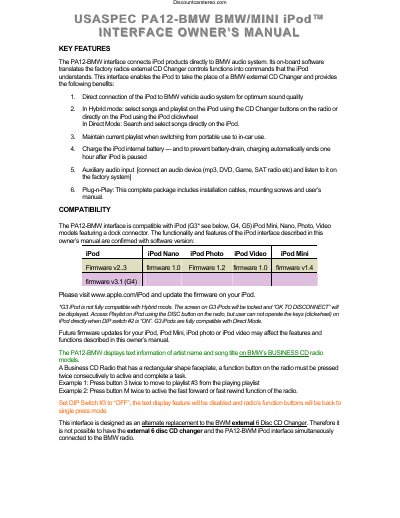
DiscountCarStereo PA12-BMW BMW iPod Interface User Manual
The DiscountCarStereo PA12-BMW interface connects iPod products directly to BMW audio systems. Its on-board software translates factory radio external CD Changer controls into commands the iPod understands, allowing the iPod to replace a BMW external CD Changer. The device supports direct connection, playlist mode, and auxiliary audio input.
Covers: Key Features · Compatibility · Playlist Mode · Direct Mode · Auxiliary Input · Connecting iPod
Latest Discount Car Stereo manuals
DiscountCarStereo PA12-BMW BMW iPod Interface User Manual
User Manual 5 pages · 176 KB · ENUser manual for the DiscountCarStereo PA12-BMW interface, which connects iPods to BMW audio systems via direct or hybrid modes.
Which document do I need?
User Manual
Day-to-day operation, settings and troubleshooting. Start here if the product is already set up.
Questions answered in Discount Car Stereo manuals
What are the two main control modes for the PA12-BMW?
The two modes are Playlist Mode, which operates the iPod like a CD Changer, and Direct Mode, which allows searching and selecting music directly on the iPod.
From: DiscountCarStereo PA12-BMW BMW iPod Interface User Manual
How do I enable the Auxiliary Audio Input?
To use the auxiliary input, set DIP switch #1 to the 'OFF' position, then access the audio source via the 'CD 6 Track 1' option on the radio.
From: DiscountCarStereo PA12-BMW BMW iPod Interface User Manual