
This manual provides introduction, installation, setup, diagnostics, troubleshooting and maintenance for Dinghan Technology TTP series barcode printers.
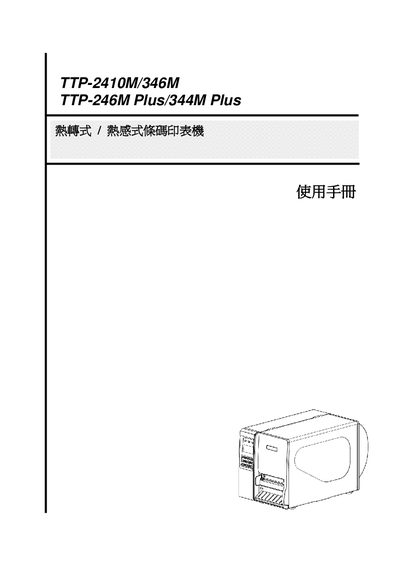
The manual begins with a product overview, describing the rugged aluminum chassis, back‑lit LCD, and the printer's ability to handle various label formats and barcode types. It details the components, including the print head, rollers, sensors, and optional accessories such as SD‑card slot and Ethernet.
Subsequent sections cover installation steps, cartridge and label loading, adjustment knobs, built‑in functions, communication settings (USB, RS‑232C, Ethernet, GPIO), diagnostic tools, troubleshooting common issues, and recommended maintenance procedures to ensure print quality and longevity. This manual is written in Chinese.