
Key facts
- Manuals
- 2
- Categories
- 1
- Languages
- ZH
- Last added
- 2011-09-22
Featured 鼎翰 manuals
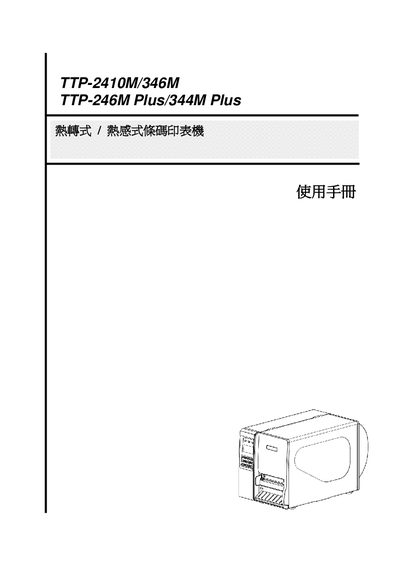
Dinghan Technology TTP-2410M/346M TTP-246M Plus/344M Barcode Printer User Manual
The manual begins with a product overview, describing the rugged aluminum chassis, back‑lit LCD, and the printer's ability to handle various label formats and barcode types. It details the components, including the print head, rollers, sensors, and optional accessories such as SD‑card slot and Ethernet.
Subsequent sections cover installation steps, cartridge and label loading, adjustment knobs, built‑in functions, communication settings (USB, RS‑232C, Ethernet, GPIO), diagnostic tools, troubleshooting common issues, and recommended maintenance procedures to ensure print quality and longevity. This manual is written in Chinese.
Covers: Printer Introduction · Product Overview · Installation · Cartridge Installation · Label Installation · Adjustment Knobs
Dinghan Technology TDP-245 Thermal Barcode Printer User Manual
This manual introduces the TDP-245 series thermal barcode printer, highlighting its compact desktop design, adjustable print speeds and support for various label media. It outlines the printer’s components, including the front and rear views, ports, and optional accessories such as cutter modules and network interfaces.
The guide walks users through unpacking, installing the printer, connecting power and communication cables, loading media, and configuring sensors. Safety precautions, routine cleaning, and detailed troubleshooting steps are also provided to ensure reliable long‑term operation. This manual is written in Chinese.
Covers: Product Overview · Unpacking and Accessories · Installation · Operation · Maintenance · Troubleshooting
Latest 鼎翰 manuals
Dinghan Technology TTP-2410M/346M TTP-246M Plus/344M Barcode Printer User Manual
User Manual 68 pages · 1.9 MB · ZHThis manual provides introduction, installation, setup, diagnostics, troubleshooting and maintenance for Dinghan Technology TTP series barcode printers.
Dinghan Technology TDP-245 Thermal Barcode Printer User Manual
User Manual 40 pages · 1.4 MB · ZHThe Dinghan Technology TDP-245 thermal barcode printer user manual provides setup, operation, maintenance and troubleshooting instructions.
Which document do I need?
User Manual
Day-to-day operation, settings and troubleshooting. Start here if the product is already set up.
Questions answered in 鼎翰 manuals
Can I install a memory card in the printer?
Yes, the manual includes a section (3.10) that explains how to install a memory card.
From: Dinghan Technology TDP-245 Thermal Barcode Printer User Manual