
User manual for the Digital Watchdog VMAX A1 Plus DVR covering setup, operation, safety warnings and specifications.
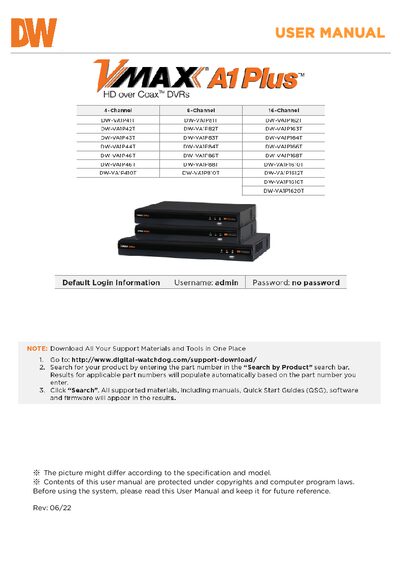
This manual provides step‑by‑step instructions for installing, configuring and operating the VMAX A1 Plus DVR. It includes safety warnings, system startup and shutdown procedures, and details on using the front‑panel controls, IR remote and web interface.
The document also lists technical specifications such as channel count, video resolutions, power requirements, dimensions, storage capacity and network features, plus warranty and support information.
| Operating system | Embedded Linux® |
|---|---|
| Channels | 4, 8, or 16 channels |
| Maximum video resolution | 3840 × 2160 (4K) HDMI |
| Power requirements | DC 12 V, 1.5 A – 5 A |
| Dimensions (W × D × H) | 12.4" × 9.52" × 1.77" (315 × 242 × 45 mm) |
| Weight | 2.64 lb (1.2 kg) – 4.4 lb (2 kg) depending on model |
| Maximum internal storage | 10 TB (4‑CH/8‑CH) or 20 TB (16‑CH) |
| Network interface | 1 × Gigabit Ethernet |
Click the exit button on the toolbar, select SHUTDOWN, enter the password, confirm the shutdown, and then press the power button on the back of the unit.
The DVR operates on a 12 V DC supply and draws between 1.5 A and 5 A depending on the model.
It is available in 4‑channel, 8‑channel, and 16‑channel configurations.
Yes, the USB port can be used for backup and firmware upgrades.