
Key facts
- Manuals
- 1
- Languages
- EN
- Last added
- 2026-09-29
Featured Digital Watchdog manuals
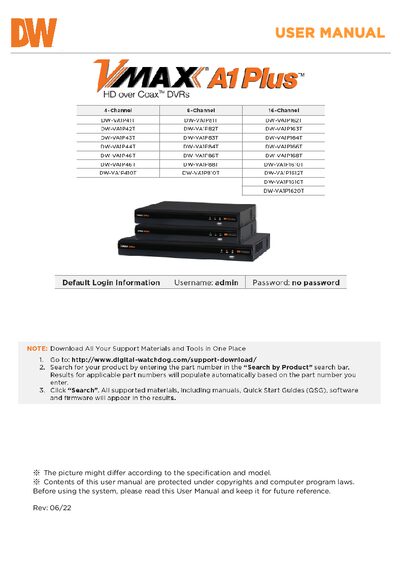
Digital Watchdog VMAX A1 Plus DVR User Manual
This manual provides step‑by‑step instructions for installing, configuring and operating the VMAX A1 Plus DVR. It includes safety warnings, system startup and shutdown procedures, and details on using the front‑panel controls, IR remote and web interface.
The document also lists technical specifications such as channel count, video resolutions, power requirements, dimensions, storage capacity and network features, plus warranty and support information.
Covers: Getting Started · Startup Wizard · Operation · System Settings · Web Surveillance · Q & A
Latest Digital Watchdog manuals
Digital Watchdog VMAX A1 Plus DVR User Manual
User Manual 72 pages · 5.4 MB · ENUser manual for the Digital Watchdog VMAX A1 Plus DVR covering setup, operation, safety warnings and specifications.
Which document do I need?
User Manual
Day-to-day operation, settings and troubleshooting. Start here if the product is already set up.
Questions answered in Digital Watchdog manuals
How do I safely shut down the VMAX A1 Plus DVR?
Click the exit button on the toolbar, select SHUTDOWN, enter the password, confirm the shutdown, and then press the power button on the back of the unit.
What are the power requirements for the DVR?
The DVR operates on a 12 V DC supply and draws between 1.5 A and 5 A depending on the model.