
The Digilent Adept Suite User Manual explains installation, configuration, and operation of ExPort, TransPort, Ethernet Administrator, and USB Administrator…
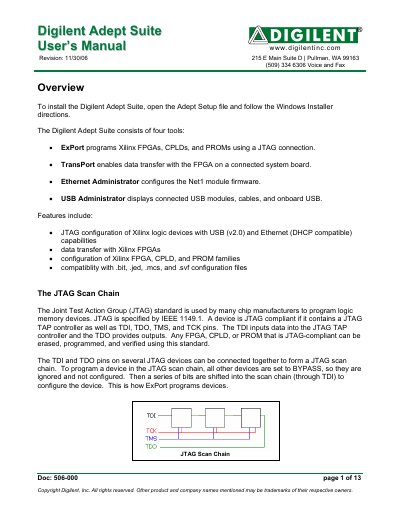
The manual provides step‑by‑step instructions for installing the Adept Suite on Windows, adding communication modules (USB, Ethernet, JTAG3), and initializing JTAG scan chains. It describes the four main tools—ExPort for JTAG programming, TransPort for data transfer, Ethernet Administrator for configuring Net1 modules, and USB Administrator for viewing connected USB devices.
Detailed usage sections cover loading and storing files to FPGA registers, configuring Ethernet modules (IP address, subnet mask, DHCP), auto‑configuring multiple modules, and troubleshooting common connection problems with USB or Ethernet devices.
| Supported configuration file formats | .bit, .jed, .mcs, .svf |
|---|---|
| JTAG standard | IEEE 1149.1 |
| Supported communication modules | USB Cable (USB‑JTAG), USB Module (USB2), Ethernet Module (Net1), JTAG3 Parallel Cable |
Open the Adept Setup file and follow the Windows Installer directions.