
A total audio production environment featuring D-Control or D-Command worksurfaces, Pro Tools|HD Accel engine, and modular I/O for recording and mixing.
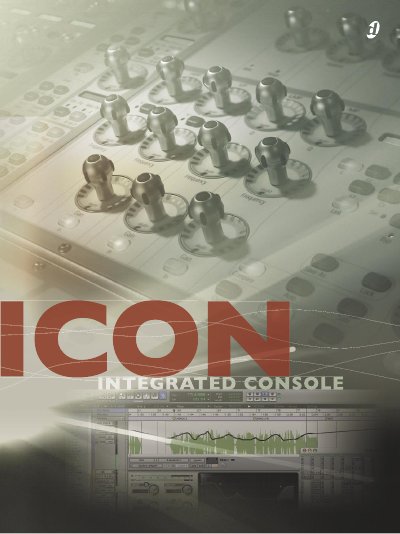
The Digidesign ICON integrated console is a total audio production environment that redefines the state of the art in recording and mixing technology. It features a choice of the flagship D-Control worksurface or the all-new D-Command compact worksurface, Pro Tools|HD Accel as its DSP mixing and processing engine, and modular Pro Tools|HD I/O interfaces and peripherals. ICON enables operators to accomplish every aspect of a project within a single environment while enjoying the familiar feel of a professional console.
| Dynamic Range | nearly 300 dB |
|---|---|
| Sample Rate | 192 kHz |
| D-Command Faders | expandable to 24 |
| D-Control Faders | expandable to 80 |
| MIDI Ports | 10 input and output |
| Word Clock | 192 kHz-capable |
The flagship D-Control worksurface can be expanded to 80 physical faders.
The D-Command worksurface is expandable to 24 physical faders.
The 192 I/O interface supports input and output at up to 192 kHz.