
This manual provides installation and usage instructions for the DF DF5700-24GP-4TF managed PoE switch, covering hardware connections, setup, and…
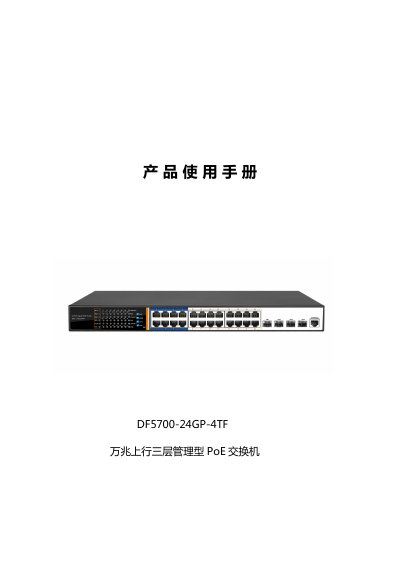
The DF DF5700-24GP-4TF is a managed PoE switch designed for security transmission and Wi-Fi coverage. It features 24 Gigabit RJ45 PoE ports and 4 10G SFP+ uplink ports, powered by a Broadcom chip. The device supports advanced features such as AIExtend for long-distance power delivery, AIQoS for video prioritization, and Apollo cloud management. This manual is written in Chinese.
| Ports | 24x 10/100/1000Mbps RJ45, 4x 10G SFP+ |
|---|---|
| Chipset | Broadcom |
| Flash Memory | 16MB |
| Memory | 256MB DDR |
| Max PoE Power | 400W |
| Backplane Bandwidth | 128Gbps |
| Power Input | 100-240V/50-60Hz |
The default username and password are both 'admin'.
The default IP address is 192.168.254.1.
Yes, ports 1-8 support up to 250 meters of power delivery when using AIExtend.