
This manual covers the operation, software usage, touch screen interface, printing workflow, post-processing, and maintenance for the DF1 series DLP 3D printer.
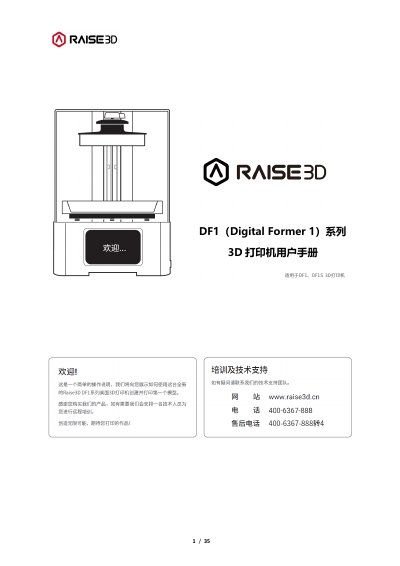
The document serves as a user guide for the DF1 (Digital Former 1) series of DLP 3D printers. It details the product specifications, including resolution and build volume, and explains the required computer configuration for the accompanying DFware software.
The manual provides step-by-step instructions for setting up the device, installing the resin tank and print platform, and connecting via USB or Wi-Fi. It also covers the complete printing workflow from model import to post-curing, along with daily maintenance procedures for cleaning the resin tank and glass plate. This manual is written in Chinese.
| Resolution | 1920x1080 |
|---|---|
| Build Volume (DF1) | 182*102*200 mm |
| Print Accuracy | 0.095 mm |
| Layer Thickness Range | 0.02 - 0.1 mm |
| Print Speed | 2-15 s/layer |
| Power Consumption | 150W |
| Supported File Formats | STL, OBJ, SLD |
The system requires Windows 10 (64-bit), a dedicated graphics card with OpenGL 3.3 support, and at least 8GB of RAM.
The printer supports STL, OBJ, and SLD file formats.
Clean the resin tank with clean alcohol or IPA if it is dirty, ensuring no metal or sharp objects are used to touch it.
You must clean the platform and restart the print process.