
Detair XSDALE07 multi-channel thermal instrument user manual: safety, dimensions, wiring, panel keys, parameters, settings, communication, specifications.
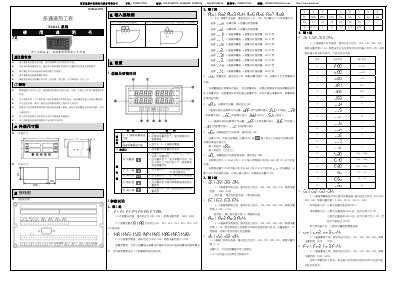
This is the user manual for the Detair XSDALE07 XSDAL series multi-channel thermal instrument. It provides safety precautions, outline and cutout dimensions, wiring diagrams, and panel and key descriptions for installation and use.
The manual also covers parameter descriptions and setting methods, including alarm settings, communication, printing, clock, and transmit output, plus clear and calculation functions and product specifications. This manual is written in Chinese.
| Alarm setting value range | -1999 ~ 9999 |
|---|---|
| Communication address range | 0 ~ 99 |
| Communication rates | 1200, 2400, 4800, 9600, 19.20k |
| Cold junction compensation accuracy | ±0.5℃ |
| Cold junction compensation factory setting | 1.000 |
| Full scale correction range | 0.500 ~ 1.500 |
| Transmit output signal | 4mA ~ 20mA (or 1V ~ 5V) |
Press and hold the setting key for more than 2 seconds without releasing to enter the setting state.
The display value equals the value before correction plus the zero correction value.
The instrument automatically exits the setting state.