
Dell XPS 1330 Laptop Quick Start Guide

Dell XPS 1330 laptop quick start guide for connecting the AC adapter, network, power button, and wireless.
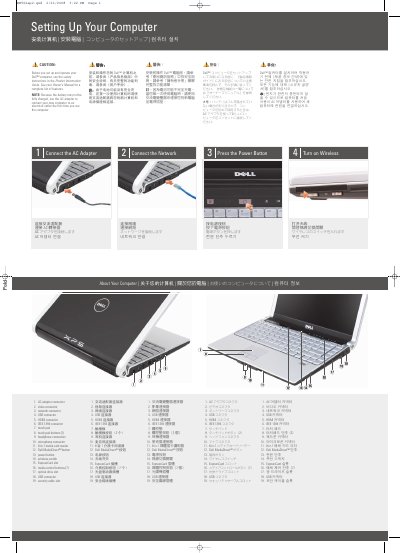

Dell XPS 1330 Laptop Quick Start Guide - cover page
Brand
DELL
Category
Laptops
Document type
Quick Start Guide
Language
Chinese
Pages
2
File format
PDF
File size
413 KB
Published
23 November, 2026
Updated
23 November, 2026
MD5 checksum
0C9D144DC1B873013EA9E5C5B1197BF1

About this manual

This Dell XPS 1330 notebook computer quick start guide explains how to set up the computer for the first time. It covers connecting the AC adapter, identifying the computer's connectors, connecting to a network, pressing the power button, and turning on wireless.

It also describes an optional wireless network setup and points to the Owner's Manual and support.dell.com for more information. The document is from Dell Inc., dated February 2008. This manual is written in Chinese.

What's inside

  • Connect the AC Adapter
  • Setting Up Your Computer
  • About Your Computer
  • Connect the Network
  • Press the Power Button
  • Turn on Wireless
  • Wireless Network (Optional)
  • Finding Answers
  • Documentation and Support

Frequently asked questions

What should I use to connect the computer to an outlet the first time?

Use the AC adapter because the battery may not be fully charged.

Where can I find more information about using the computer?

See the Owner's Manual or go to support.dell.com.

Is the wireless network optional?

Yes, the wireless network is optional.

Download PDF (413 KB)

More DELL Manuals


View all DELL manuals →