
User manual for the Dell Mini 3v smartphone, covering setup, calls, messaging, email, Bluetooth, WLAN, multimedia, and applications.
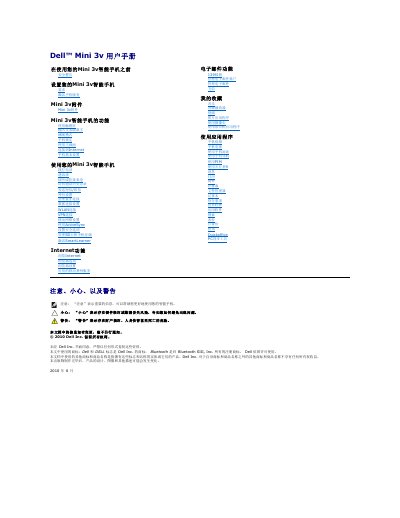
The Dell Mini 3v user manual explains safety warnings, required service activation, and initial hardware setup, including installing the SIM card, microSD card, and battery, charging the phone, and turning it on. It also describes the phone's controls, status icons, touchscreen operations, and text input methods.
The guide then covers calls, contacts, messaging, Bluetooth and WLAN connections, email, music, video, camera use, PIM applications, Quickoffice, and the PC sync tool. This manual is written in Chinese.
| Headset jack | 3.5 mm |
|---|---|
| Data and charging port | Micro-USB |
| TV antenna | CMMB TV signal reception |
| Input methods | Full keyboard, phone keypad, handwriting |
| Battery charging time | At least 2 hours |
| Front camera | Lower resolution than rear camera |
| Memory card support | microSD card slot |
Install the SIM card, microSD card, and battery, then replace the back cover.
Charge it for at least 2 hours and check the status bar charging indicator.
The phone supports full keyboard, phone keypad, and handwriting input.
It receives CMMB TV signals.