
Dell Mini 3i User Manual

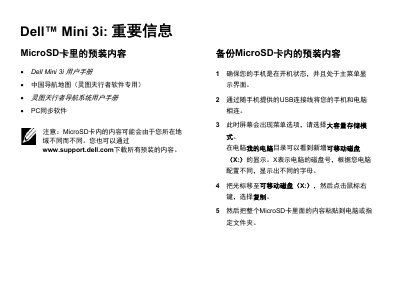
This manual provides instructions for backing up preloaded content from the MicroSD card and installing the PC synchronization software for the Dell Mini 3i.

Dell Mini 3i User Manual - cover page
Brand
DELL
Category
Mobilephone Accessories
Document type
User Manual
Language
Chinese
Pages
2
File format
PDF
File size
110 KB
Published
17 October, 2026
Updated
17 October, 2026
Model
Mini 3i
MD5 checksum
BE66132C8D56251B0B6124FB383E5CDA

About this manual

This document serves as a user guide for the Dell Mini 3i, specifically focusing on managing preloaded content stored on the device's MicroSD card. It outlines the necessary steps to back up this content to a computer for preservation or transfer. This manual is written in Chinese.

What's inside

  • Important Information
  • Backup MicroSD Content
  • Install PC Sync Software
  • Connect Device to Computer
  • Copy Files to Computer
  • Install from Backup Folder
  • Install Directly from MicroSD

Frequently asked questions

Where can I download all preloaded content?

You can download all preloaded content from the Dell support website at www.support.dell.com.

What operating systems are supported for the PC synchronization software?

The manual states that the installation files support Windows Vista or Windows XP.

Download PDF (110 KB)

More DELL Manuals


View all DELL manuals →