
This guide provides installation, configuration, and usage instructions for the Dell EMC XC6400 and XC6420 appliances, including safety warnings and…
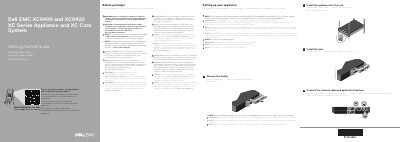
This document serves as a Getting Started Guide for the Dell EMC XC Series Appliances, specifically models XC6400 and XC6420. It covers the initial setup process, including removing sleds, installing the appliance into a rack, connecting network cables, and powering on the sleds. The guide emphasizes safety precautions, such as using Extended Power Performance (EPP) compliant power supplies and ensuring the operating system is installed before adding hardware.
| Power (Platinum AC 100-240 V, 50/60 Hz, 14 A-16 A) | 2400 W |
|---|---|
| Power (Platinum AC 100-240 V, 50/60 Hz, 11.5 A) | 2000 W |
| Power (Platinum AC 100-240 V, 50/60 Hz, 10 A) | 1600 W |
| Power (Platinum AC 100-240 V, 50/60 Hz, 12 A–6.5 A) | 1100 W |
| Power (DC 48-60 V, 32 A) | 1100 W |
| System Battery | 3 V CR2032 lithium coin cell |
| Maximum ambient temperature | 35°C/95°F |
You must use Extended Power Performance (EPP) compliant power supply units, indicated by the EPP label.
The operating system must be installed before installing any hardware or software not purchased with the appliance.
Yes, the information applies to both offerings, though sections specific to one will be explicitly mentioned.