
This user guide covers the Dell D6000 Universal Docking Station, including setup, system requirements, connection instructions, and troubleshooting for…
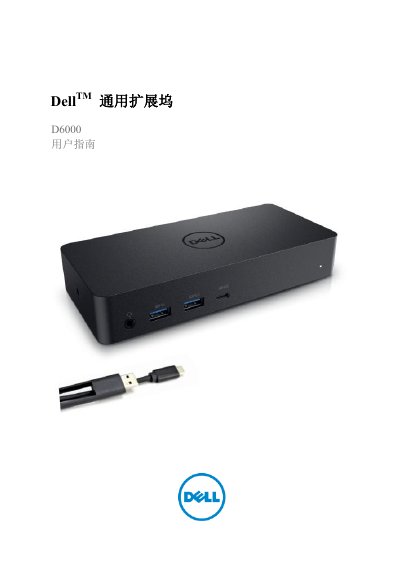
This document is the user guide for the Dell D6000 Universal Docking Station. It provides instructions on unpacking the device, connecting it to a computer via USB-C or USB 3.0 Type A, and setting up the necessary drivers and software, such as DisplayLink Manager. The guide details how to configure video outputs, including support for 4K resolutions, and how to use the docking station with various peripherals like monitors, Ethernet, and audio devices. This manual is written in Chinese.
| Signal Speed | 5 Gigabits per second |
|---|---|
| USB Support | USB 3.1 Gen1 |
| Max Resolution (USB-C) | 4K@60Hz |
| Operating Temperature | Maximum 40°C |
| Power Output | 19.5V DC / 6.7A |
The processor must be an Intel Core i3 2+GHz, Intel Core M, or AMD Trinity or higher configuration.
Check the video connection cable, unplug the power, wait 10 seconds, and reconnect.
No, the Wake-on-LAN network wake-up function is not supported on this docking station.