
Quick start guide for the Dell D3100 USB 3.0 Docking Station, covering driver installation and support links.
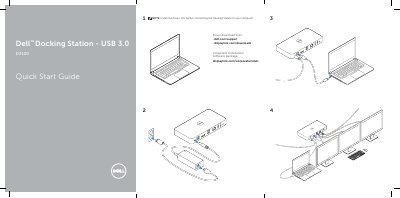
This quick start guide is for the Dell D3100 USB 3.0 Docking Station. It states that drivers should be installed before connecting the docking station to a computer and lists driver download and support links.
Install the drivers first before connecting the Docking Station to your computer.
Drivers can be downloaded from dell.com/support and displaylink.com/downloads.
They can visit displaylink.com/corporateinstall.
The User’s Guide is available at dell.com/support.