
Dell 2400MP projector setup guide with safety notes, connection and startup steps, zoom and focus adjustment, and remote control button descriptions.
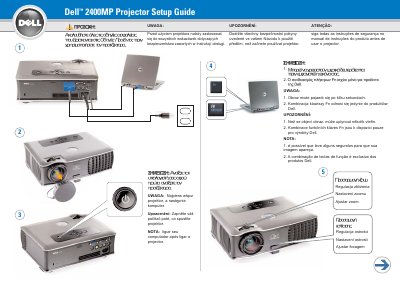
This two-page Dell setup guide for the Dell 2400MP projector begins with safety warnings telling the user to follow all safety instructions in the projector's User's Guide before using the projector. It then walks through the setup steps, including connecting the projector and the computer, and notes that the image may take a few seconds to appear and that the Fn key combinations apply only to Dell products. The guide also states that the projector should be turned on before the computer.
The second page describes the remote control buttons, from Power, Up/Down, Mute, Volume + and Volume −, Page Up and Page Down, Video Mode, Blank Screen, LED, Enter, the OSD setting adjustment button, Menu, Source, Keystone adjustment and Automatic adjustment. A note explains that the USB cable must be connected, as shown in step 1, for the Page Down and Page Up buttons on the remote control to work, and the guide refers readers to the User's Guide for more information. This manual is written in Polish.
Turn the projector on first and then the computer, as stated in the setup note.
The USB cable must be connected, as shown in step 1, for the Page Down and Page Up buttons to be active on the remote control.
The guide notes that the image may appear after a few seconds.
More information is available in the projector's User's Guide.