
User manual for the Deli D311 series color inkjet multifunction printer, covering setup, operation, maintenance, troubleshooting, and specifications.
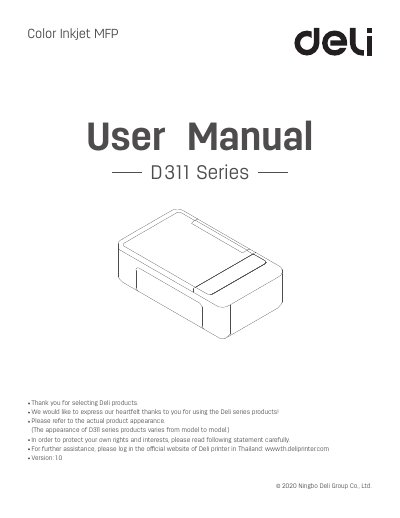
This manual is for the Deli D311 series color inkjet multifunction printer. It covers safety precautions, placement, unpacking, ink bottle and printhead installation, paper loading, initial setup, driver installation, device menus, printing, copying, scanning, network settings, web interface access, maintenance, and troubleshooting.
It also includes guidance on recycled paper use, spare parts and consumables availability, recycling of old machines and consumables, print media specifications, and a material safety data sheet.
| Placement temperature | 10°C to 35°C |
|---|---|
| Placement humidity | 20% to 80%, without condensation |
| Operating temperature | 10°C to 35°C |
| Operating humidity | 30% to 70% |
| Spare parts and consumables availability | 5 years after production is halted |
| Example model shown in manual | D311NW |
| Functions listed for D311NW | Scan, wireless network, wired network, USB connection |
Only by unplugging the power plug.
Recycled paper with stable quality.
For 5 years.
Call the National Service Hotline of the Deli Group at 02-157-4629 for registration and confirmation, then deliver or send the waste to the nearest division or service center.