
This manual describes how to install, place, use and maintain the freezer cabinet correctly and safely.
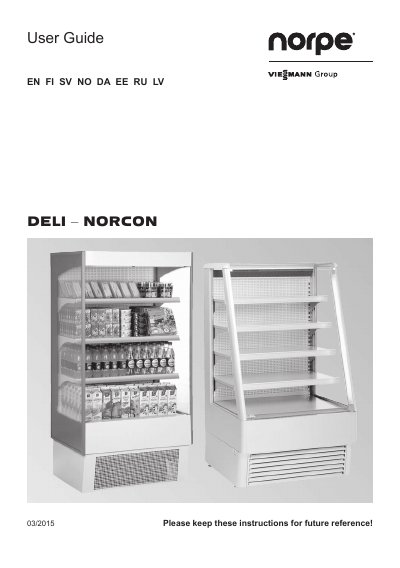
This user guide covers Deli and NorCon cooled display cabinets for drinks, sandwiches and dairy products. It explains how to install, place, use and service the cabinet correctly and safely.
The cabinet maintains the required storage temperature and is equipped with a Dixell XR40CX or NRC-100 controller. It includes instructions for electrical connections, loading, thermostat settings, control devices, cleaning, and disposal.
| Relative humidity | 60 % RH |
|---|---|
| Ambient temperature | +25 °C |
| Climate class | 3 |
| Maximum shelf load | 100 kg per metre |
| Air gap behind cabinet | at least 8 cm |
| Fuse | 10 A slow fuse |
The cabinet is equipped with a Dixell XR40CX or NRC-100 controller.
The maximum load on the shelves is 100 kg per metre.
Wait for 90 minutes or until the desired temperature is reached.
The climate class for these cabinets is 3, normal operating conditions.