
Installation and programming instructions for the DECA PPPDECA digital access control system, covering multiple code systems, time zoning, alarms, and…
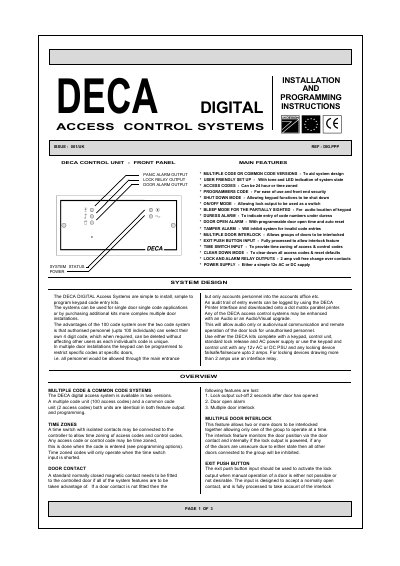
The DECA PPPDECA is a digital access control unit available in two versions: a Multiple Code System supporting up to 100 unique access codes and a Common Code System with 2 shared codes. The system features user-friendly setup with tone and LED indications, programmable time zones for restricted access, and various security outputs including panic alarms, door open alarms, and tamper detection.
| Max Access Codes (Multiple System) | 100 access codes |
|---|---|
| Max Access Codes (Common Code System) | 2 access codes |
| Lock Output Current | 2 amps |
| Power Supply Voltage | 12v AC or DC |
| Default Lock Output Time | 5 seconds |
Depress the program code switch through the hole in the front panel, then key in the first six digits (excluding * and #).
If the door is open longer than the programmed time, the door alarm output will operate until 15 seconds after the door has been closed.
Enter an access code preceded by an asterisk (*), for example *3344, which triggers the lock and the PA Alarm output.