
User manual for DaoTong Remote Expert, covering app download, device binding, certification, firmware upgrade and remote service workflow.
The DaoTong Remote Expert app provides a cloud‑based assistance solution for automotive diagnostics and programming. It runs on iOS and Android devices and works with MaxiFlash VCI/VCMI hardware, OBD cables and compatible diagnostic tools.
The manual explains how to download and register the app, bind VCI/VCMI devices, complete expert certification, upgrade firmware via Maxi PC Suite, and use the order market to accept and execute remote service orders. This manual is written in Chinese.
| Supported protocols | CAN, CAN FD, DoIP |
|---|---|
| Required hardware | MaxiFlash VCI/VCMI (latest version) |
| Required accessories | Network cable, DaoTong power adapter, OBD cable, original or third‑party diagnostic tool |
| Mobile OS requirement | iOS version X or later, Android version Y or later |
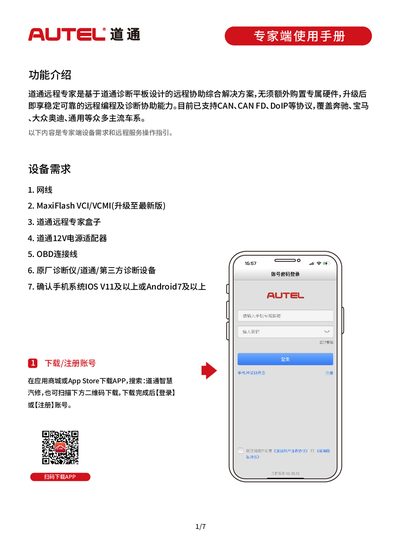
Search for “道通智慧汽修” in the App Store or an app marketplace, scan the QR code, download the app, then log in or register an account.
Open the Remote Expert section, select “VCI/VCMI pairing”, tap “Add device”, and follow the prompts to add your VCI/VCMI.
In the app, tap “Initiate Connection” to start a remote session; if latency is high, you can switch to an alternative connection method.