
Key facts
- Manuals
- 2
- Languages
- ZH
- Last added
- 2026-09-30
Featured 道通 manuals
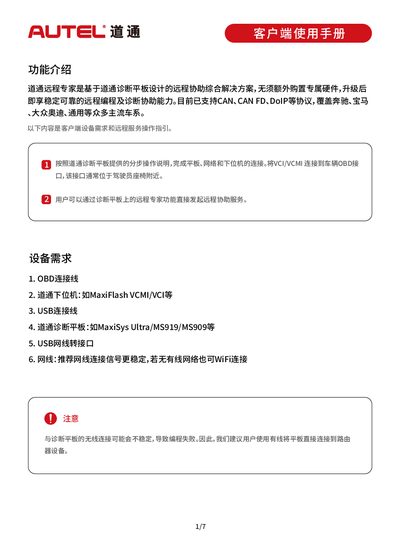
Daotong MaxiSys Ultra Remote Expert User Manual
The Remote Expert solution is built on Daotong diagnostic tablets and provides remote programming and diagnostic assistance without additional dedicated hardware. It supports multiple automotive protocols such as CAN, CAN FD, and DoIP, covering many mainstream vehicle brands.
The manual guides users through hardware requirements, tablet and lower‑machine updates, login procedures, order creation, and communication with remote experts, emphasizing wired network connections for reliable performance. This manual is written in Chinese.
Covers: Features Overview · Device Requirements · Upgrade Lower Machine · Login Remote Expert · OBD Connection Cable · Order Publishing
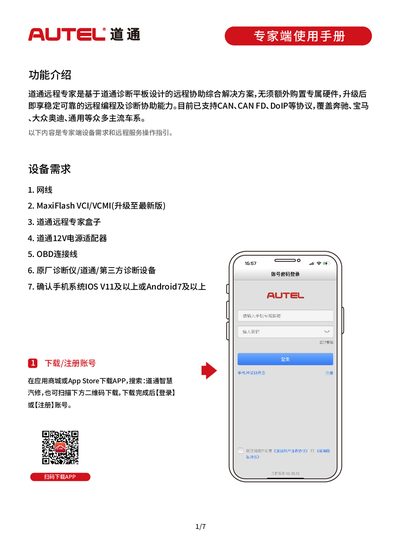
DaoTong Remote Expert User Manual
The DaoTong Remote Expert app provides a cloud‑based assistance solution for automotive diagnostics and programming. It runs on iOS and Android devices and works with MaxiFlash VCI/VCMI hardware, OBD cables and compatible diagnostic tools.
The manual explains how to download and register the app, bind VCI/VCMI devices, complete expert certification, upgrade firmware via Maxi PC Suite, and use the order market to accept and execute remote service orders. This manual is written in Chinese.
Covers: Download and Register Account · Device Requirements · Binding VCI/VCMI · Expert Certification · Firmware Upgrade · Order Market
Latest 道通 manuals
Daotong MaxiSys Ultra Remote Expert User Manual
User Manual 7 pages · 6.9 MB · ZHUser manual for Daotong's MaxiSys Ultra Remote Expert solution, describing required hardware, setup steps, and service workflow.
DaoTong Remote Expert User Manual
User Manual 7 pages · 7.8 MB · ZHUser manual for DaoTong Remote Expert, covering app download, device binding, certification, firmware upgrade and remote service workflow.
Which document do I need?
User Manual
Day-to-day operation, settings and troubleshooting. Start here if the product is already set up.
Questions answered in 道通 manuals
What hardware is needed to use Remote Expert?
You need an OBD connection cable, a Daotong lower machine such as MaxiFlash VCMI/VCI, a USB cable, a Daotong diagnostic tablet (e.g., MaxiSys Ultra), a USB‑C network adapter, and a network cable (wired recommended, Wi‑Fi optional).
How do I publish a service order?
Enter vehicle information via automatic retrieval, manual input, or import of a diagnostic report, select the service items, fill in the description, and click Publish Order.
How do I download and register the DaoTong Remote Expert app?
Search for “道通智慧汽修” in the App Store or an app marketplace, scan the QR code, download the app, then log in or register an account.
How can I bind a VCI/VCMI device to the app?
Open the Remote Expert section, select “VCI/VCMI pairing”, tap “Add device”, and follow the prompts to add your VCI/VCMI.