
User manual for the D‑Moticam BTW8/BTW10 tablet‑camera system that attaches to a C‑mount trinocular microscope.
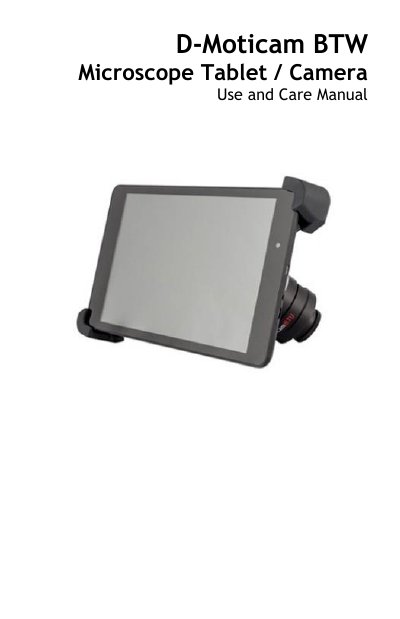
The D‑Moticam BTW8/BTW10 system provides a tablet‑camera solution for C‑mount trinocular microscopes. It includes a 5 MP CMOS live‑view sensor, USB and Wi‑Fi output, and a tablet that can display images directly or stream them to any Wi‑Fi enabled device via the MotiConnect app.
The manual covers tablet power‑on/off procedures, camera connection, accessory usage (HDMI, power adapter, calibration slide, SD card), power management, and how to transfer and annotate images using Motic Images software on a computer.
| Camera sensor | 5 MP CMOS live view sensor |
|---|---|
| Power adapter | 5 V DC |
| Battery runtime (tablet + camera) | ≈ 2 hours |
| Charging time | ≈ 8 hours |
| Connectivity | USB output and Wi‑Fi transmission antenna |
Press and hold the tablet power button for 4‑6 seconds until the Motic logo appears.
Press and hold the power button for about 2 seconds, then tap “Power Off”.
Both will operate for approximately 2 hours on a fully charged tablet battery.
Images are saved on the included Micro‑SD card; remove the card and use an SD adapter or card reader to copy the JPEG files to a computer.