
Key facts
- Manuals
- 1
- Languages
- EN
- Last added
- 2026-10-03
Featured D-Moticam manuals
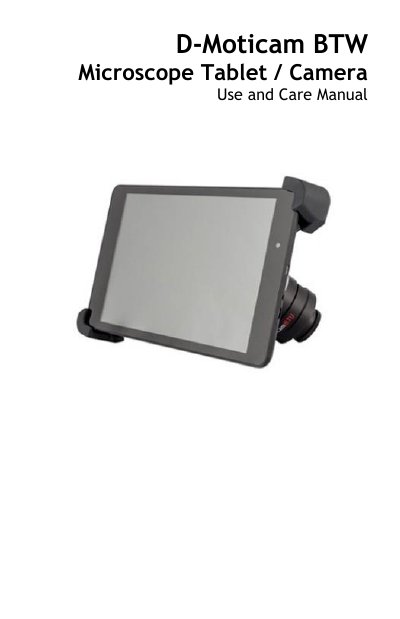
D-Moticam BTW8 / BTW10 Microscope Tablet Camera Use and Care Manual
The D‑Moticam BTW8/BTW10 system provides a tablet‑camera solution for C‑mount trinocular microscopes. It includes a 5 MP CMOS live‑view sensor, USB and Wi‑Fi output, and a tablet that can display images directly or stream them to any Wi‑Fi enabled device via the MotiConnect app.
The manual covers tablet power‑on/off procedures, camera connection, accessory usage (HDMI, power adapter, calibration slide, SD card), power management, and how to transfer and annotate images using Motic Images software on a computer.
Covers: Introduction · Tablet Basics – Function and Tips · Connecting the Camera to BTW8 and BTW10 · Power Management · Tablet Accessories · Tablet Operation
Latest D-Moticam manuals
D-Moticam BTW8 / BTW10 Microscope Tablet Camera Use and Care Manual
User Manual 28 pages · 1.9 MB · ENUser manual for the D‑Moticam BTW8/BTW10 tablet‑camera system that attaches to a C‑mount trinocular microscope.
Which document do I need?
User Manual
Day-to-day operation, settings and troubleshooting. Start here if the product is already set up.
Questions answered in D-Moticam manuals
How do I turn the tablet on?
Press and hold the tablet power button for 4‑6 seconds until the Motic logo appears.
From: D-Moticam BTW8 / BTW10 Microscope Tablet Camera Use and Care Manual
How do I turn the tablet off?
Press and hold the power button for about 2 seconds, then tap “Power Off”.
From: D-Moticam BTW8 / BTW10 Microscope Tablet Camera Use and Care Manual