
This manual covers the operation, troubleshooting, and specifications for the CZUR Aura smart scanner and lamp.
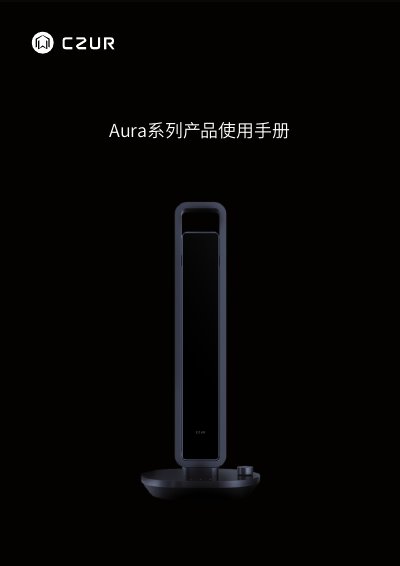
The CZUR Aura is a multifunctional device serving as both an intelligent document scanner and a smart desk lamp. It features high-resolution scanning capabilities with algorithms for curve flattening and finger removal, alongside versatile lighting modes including natural light, reading, computer viewing, and smart night scenes controlled via app or voice. This manual is written in Chinese.
| Sensor Resolution | 1400~1600万像素 |
|---|---|
| Maximum Resolution | 4320*3240~4608*3456 |
| Scan Speed | ≈2.0S |
| Input Voltage | AC: 100-240V 50/60HZ |
| Output Voltage | DC: 9V 1.5A |
| Operating Temperature | 45℃ |
The product has a one-year warranty for quality issues, with a seven-day return policy.
Press the knob switch briefly to toggle between the two modes after powering on.
No, the smart night mode does not support brightness adjustment via the App or knob switch.