
The CZUR high-resolution document camera series user manual provides product overview, setup, operation, troubleshooting, and service information for A4 and…
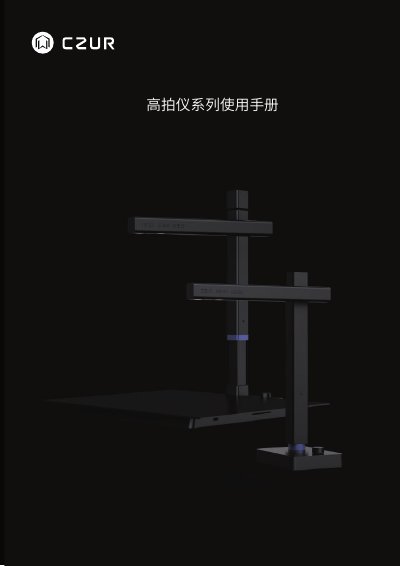
The manual introduces the CZUR high‑resolution document camera series, describing its CMOS imaging technology, OCR capabilities, compact size, fast scanning speed, and optional modules such as ID card readers and signature pads. It lists the three configurations – A4 single‑unit, A3 single‑unit, and A4 hard‑base – with their dimensions and specifications.
It then guides users through software installation, preparation before scanning, operating procedures, common fault troubleshooting, and after‑sales service. Contact information for technical support and warranty terms are also provided. This manual is written in Chinese.
| Resolution (A4 series) | 5 MP (500万像素) |
|---|---|
| Resolution (A4/A3 high‑end series) | 8 MP or higher (800万及以上像素) |
| Maximum operating temperature | 40 °C |
Verify that the power outlet is live, the adapter is correctly connected, and the USB cable is properly attached to the computer.
The device works with Windows XP, 7, 8, 10 (both 32‑bit and 64‑bit), macOS, and some domestic operating systems.
Ensure the hard‑base version is properly assembled, the adapter and USB cable are connected, and the knob is held for at least 1.5 seconds to power on; also try restarting the device or using a different USB port.