
This manual covers installation, connection, control panel usage, and troubleshooting for the CyberAcoustics CA-3712BT Bluetooth speaker system.
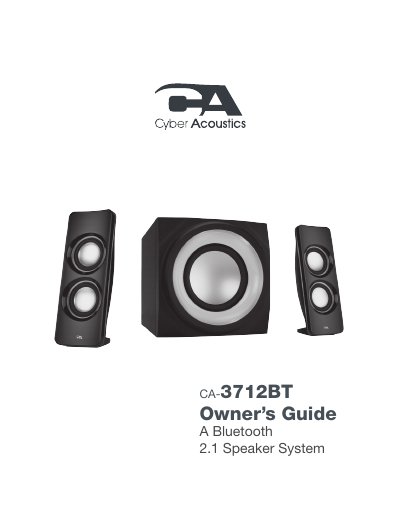
The CyberAcoustics CA-3712BT is a Bluetooth 2.1 three-piece lighted powered speaker system designed for home theaters, computers, tablets, and smartphones. The system includes two satellite speakers and a subwoofer, featuring high-efficiency drivers and a low-distortion amplifier for superior audio performance with deep bass.
| Bluetooth Version | 2.1 |
|---|---|
| Power Input | AC 120V~60Hz |
| Bluetooth Range | approximately 30 feet |
Turn on the system; it enters pairing mode by default. Search your device's Bluetooth list for 'CA 2.1 BT SPEAKER' and tap to connect.
Press the Source button once on the control panel to switch modes. The LED status light will change to solid GREEN.
A blinking blue LED indicates that the system is in Bluetooth pairing mode.