
Key facts
- Manuals
- 1
- Languages
- EN
- Last added
- 2026-11-14
Featured Cyber Acoustics manuals
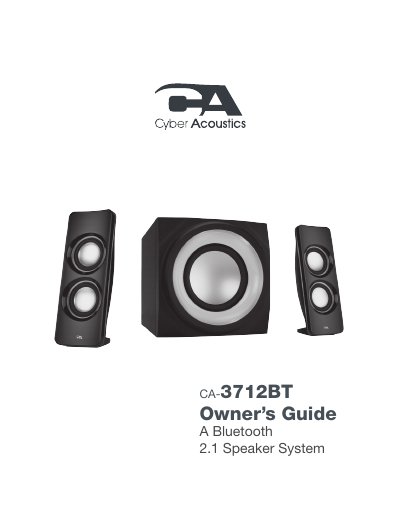
CyberAcoustics CA-3712BT Bluetooth Speaker System Owner's Guide
The CyberAcoustics CA-3712BT is a Bluetooth 2.1 three-piece lighted powered speaker system designed for home theaters, computers, tablets, and smartphones. The system includes two satellite speakers and a subwoofer, featuring high-efficiency drivers and a low-distortion amplifier for superior audio performance with deep bass.
Covers: Getting Started · Bluetooth Connection · LINE IN Connection · Controls & Features · Troubleshooting · Speaker Preparation
Latest Cyber Acoustics manuals
CyberAcoustics CA-3712BT Bluetooth Speaker System Owner's Guide
User Manual 20 pages · 3 MB · ENThis manual covers installation, connection, control panel usage, and troubleshooting for the CyberAcoustics CA-3712BT Bluetooth speaker system.
Which document do I need?
User Manual
Day-to-day operation, settings and troubleshooting. Start here if the product is already set up.
Questions answered in Cyber Acoustics manuals
How do I pair the speakers for the first time?
Turn on the system; it enters pairing mode by default. Search your device's Bluetooth list for 'CA 2.1 BT SPEAKER' and tap to connect.
From: CyberAcoustics CA-3712BT Bluetooth Speaker System Owner's Guide
How do I switch from Bluetooth to LINE IN mode?
Press the Source button once on the control panel to switch modes. The LED status light will change to solid GREEN.
From: CyberAcoustics CA-3712BT Bluetooth Speaker System Owner's Guide