
Installation and setup manual for the Cummins INLINE 7 Data Link Adapter, covering components, specifications, system requirements, features, and wired or…
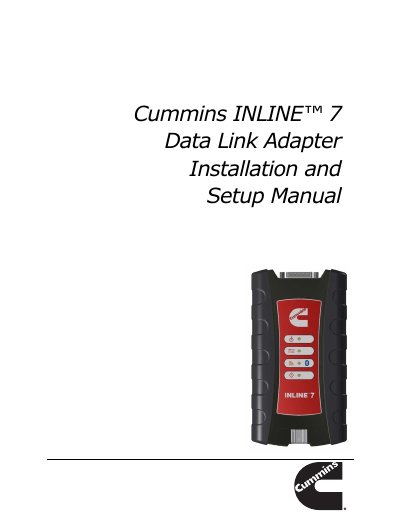
This manual provides basic and detailed information to support installation and setup of the Cummins INLINE 7 Data Link Adapter. It covers the manual overview, conventions, component checklist, product specifications, system requirements, device features, and communication options.
The INLINE 7 is a hardware device that enables service bay PCs and laptops to retrieve vehicle information using wireless Bluetooth technology, a cable connection, or Wi-Fi. The manual also explains driver installation, connecting the adapter to a vehicle, and testing the connection with the Cummins INLINE 7 Explorer utility.
| Physical Dimensions | 6.75" x 3.75" x 1.06" (171 mm x 95 mm x 27 mm) |
|---|---|
| Weight | 8 oz. (0.22 kg) |
| Power Requirements | 6 - 32 VDC @ 350 mA maximum |
| Operating Temperature | 0 to +70 °C |
| API Driver | TMC RP1210A, RP1210B, and RP1210C compliant |
| Vehicle Protocols Supported | J1708/J1587, J1939, CAN, ISO 9141, ISO 14230, ISO 15765 |
| USB Communication | USB Device, version 1.1 |
| USB Connector | Latching USB Mini-B |
| Wired Communication | Automotive A to Mini-B USB cable, 13 ft. (4 m) maximum |
| Wireless Communication | Bluetooth Class 1 adapter and dual band Wi-Fi (802.11 a/b/g/n) |
| Vehicle Connector | High Density D-sub 26-pin Male (HD26M) |
The operating temperature range is 0 to +70 °C.
The wired USB cable has a maximum length of 13 ft. (4 m).
It supports a Bluetooth Class 1 adapter and dual band Wi-Fi (802.11 a/b/g/n).
It uses a High Density D-sub 26-pin Male (HD26M) vehicle connector.