
The INLINE 6 is a highly reliable datalink adapter that can be used on a wide range of applications to communicate with vehicle systems via SAE J1708/J1587 and SAE J1939 protocols. Please note that the INLINE 6 is designed to be used with RP1210 compliant software.
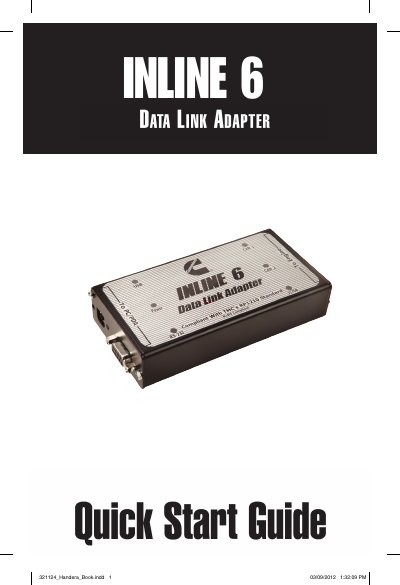
The INLINE 6 is a reliable datalink adapter designed to communicate with vehicle systems via SAE J1708/J1587 and SAE J1939 protocols. It requires RP1210 compliant software and a minimum system including a Pentium 500 MHz processor and Windows 7, Vista, or XP SP3.
| Protocols | SAE J1708/J1587 and SAE J1939 |
|---|---|
| Microprocessor | Intel Pentium 500 MHz |
| Memory | 2 GB |
| Operating System | Windows 7, Vista, & XP SP3 |
The minimum microprocessor requirement is an Intel Pentium 500 MHz.
The supported operating systems are Windows 7, Vista, and XP SP3.
The reprogramming process should take approximately 2 minutes to complete.