
User guide for the Crosley CR6255A Mercury Turntable covering setup, Bluetooth pairing, operation, maintenance, and troubleshooting.
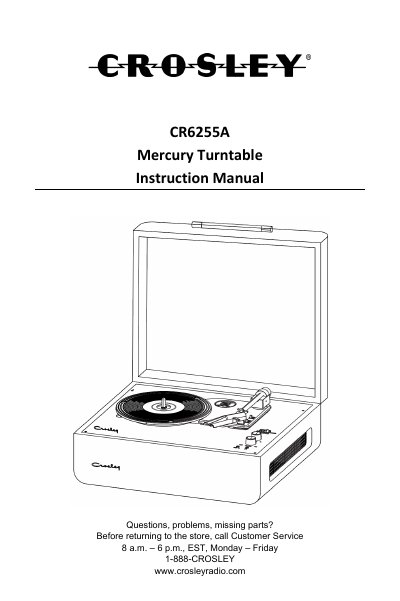
This manual provides instructions for the Crosley CR6255A Mercury Turntable, including initial setup, connecting to stereo systems, and using the Bluetooth output feature. It details how to operate the turntable for playback, adjust pitch, and replace the needle.
| Power | AC power adaptor, DC output 12V 0.5 A |
|---|---|
| Power consumption | 9W |
| Speaker | 4Ω, 5W x 2 |
| Turntable speed | 33 1/3, 45, 78 RPM |
| Bluetooth version | 5.1 |
Check if the power adaptor is connected correctly or if there is no power at the outlet. Some models also auto-cut off after 20 minutes of no audio input.
Connect the RCA Jacks output to the appropriate input of your stereo system using the included 3.5mm to RCA cable.
Set the function switch to Bluetooth mode, put your device in pairing mode, and search for 'CROSLEY CR6255A'.