
This document is the instruction manual for Mission Entertainment Center, which mainly introduces the product's usage methods and warranty terms.
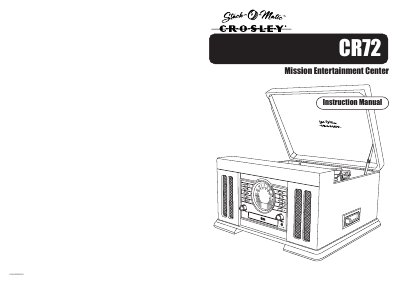
The document serves as an instruction manual for the Crosley CR72 Mission Entertainment Center. It covers warranty details, including a 90-day limited warranty against defects in material and workmanship, and outlines the return authorization process for defective units.
The guide includes troubleshooting steps for common issues such as no power, no sound, turntable malfunctions, and CD playback errors. Additionally, it provides comprehensive safety instructions regarding ventilation, power sources, grounding, and servicing requirements.
Crosley Radio Products are warranted against defects in material and workmanship for a period of 90 days beginning from the date of sale.
You must call Crosley Radio customer service at (502) 583-4246 from 9 AM to 5 PM EST Monday to Friday.
Check the volume level, ensure the ext./int. switch is set correctly (int. or ext.), and verify the Line In Switch position.