
Core Brands TP7 7-inch touch panel quick install guide covering box contents, mounting, PoE or 12V power, network setup, and screen orientation.
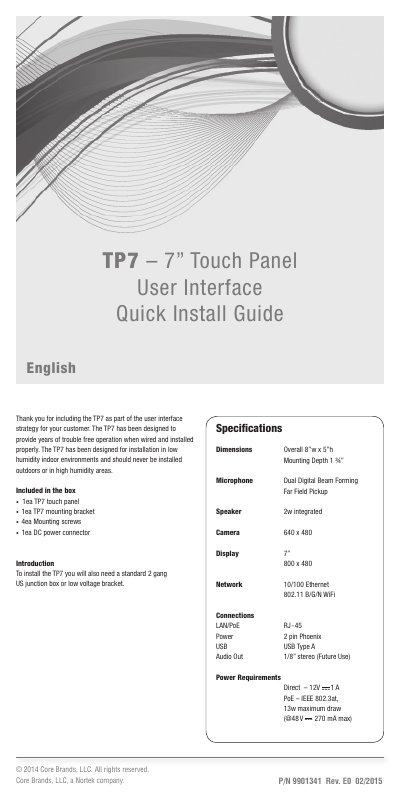
The Core Brands TP7 is a 7-inch touch panel designed for low humidity indoor environments and should never be installed outdoors or in high humidity areas. The box includes the TP7 touch panel, mounting bracket, four mounting screws, and a DC power connector.
Installation requires a standard 2 gang US junction box or low voltage bracket. Power can be supplied by Power Over Ethernet (PoE) or a 12v DC power supply, but not both. The TP7 connects via Ethernet or Wi-Fi and supports landscape or portrait orientation.
| Overall dimensions | 8”w x 5”h |
|---|---|
| Mounting depth | 1 ¾” |
| Microphone | Dual Digital Beam Forming Far Field Pickup |
| Speaker | 2w integrated |
| Camera | 640 x 480 |
| Display | 7” 800 x 480 |
| Network | 10/100 Ethernet 802.11 B/G/N WiFi |
| PoE standard | IEEE 802.3af |
The box includes one TP7 touch panel, one mounting bracket, four mounting screws, and one DC power connector.
It can be powered by Power Over Ethernet (PoE) or a 12v DC power supply, but not both at the same time.
Press and hold the recessed RESET button for 10 seconds.