
Key facts
- Manuals
- 1
- Languages
- EN
- Last added
- 2026-11-17
Featured Core Brands manuals
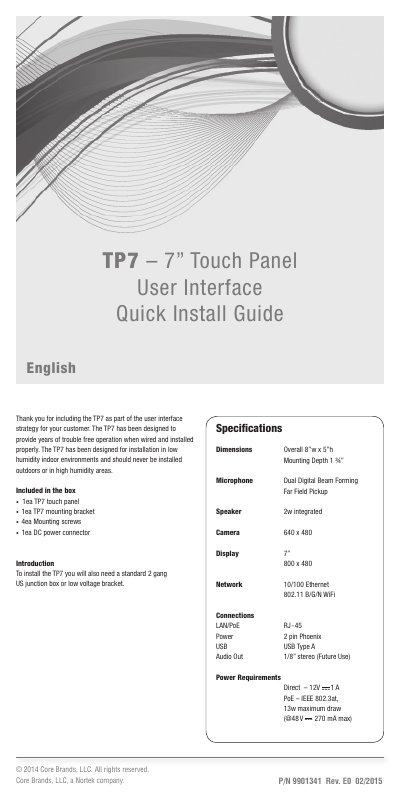
Core Brands TP7 Touch Panel Quick Install Guide
The Core Brands TP7 is a 7-inch touch panel designed for low humidity indoor environments and should never be installed outdoors or in high humidity areas. The box includes the TP7 touch panel, mounting bracket, four mounting screws, and a DC power connector.
Installation requires a standard 2 gang US junction box or low voltage bracket. Power can be supplied by Power Over Ethernet (PoE) or a 12v DC power supply, but not both. The TP7 connects via Ethernet or Wi-Fi and supports landscape or portrait orientation.
Covers: Included in the box · Specifications · FCC and IC Information · Important Safety Instructions · Planning the installation · Installing the TP7
Latest Core Brands manuals
Core Brands TP7 Touch Panel Quick Install Guide
Quick Start Guide 8 pages · 985 KB · ENCore Brands TP7 7-inch touch panel quick install guide covering box contents, mounting, PoE or 12V power, network setup, and screen orientation.
Which document do I need?
Quick Start Guide
The shortest path to a working setup, usually only a few pages.
Questions answered in Core Brands manuals
What is included in the TP7 box?
The box includes one TP7 touch panel, one mounting bracket, four mounting screws, and one DC power connector.
How can the TP7 be powered?
It can be powered by Power Over Ethernet (PoE) or a 12v DC power supply, but not both at the same time.