
Copper Mountain Technology S2VNA VNA Python Setup Guide

Guide for automating Copper Mountain Technology VNAs with Python, covering COM server registration and pywin32 installation.
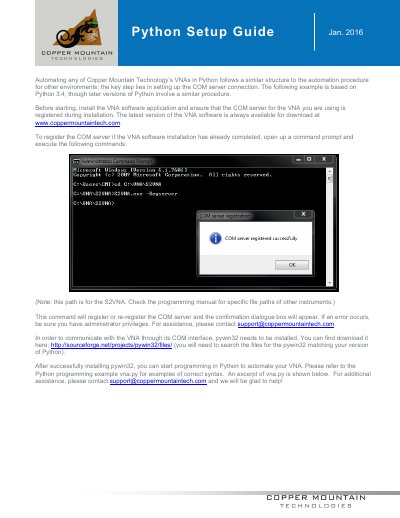

Copper Mountain Technology S2VNA VNA Python Setup Guide - cover page
Brand
Copper Mountain Technology
Category
Network Analyzer
Document type
Programming Manual
Language
English
Pages
2
File format
PDF
File size
145 KB
Published
16 November, 2026
Updated
16 November, 2026
MD5 checksum
2B103E3109AFACB8932DB3D3D884A196

About this manual

This Python setup guide from Copper Mountain Technology explains how to automate its VNAs in Python. It focuses on setting up the COM server connection, uses Python 3.4 as the example, and notes that later versions follow a similar procedure.

The guide describes registering the COM server from a command prompt, including the S2VNA path, and installing pywin32. It also points to the vna.py programming example and Copper Mountain Technology support for help.

What's inside

  • COM server connection
  • VNA software installation
  • COM server registration
  • Administrator privileges
  • pywin32 installation
  • vna.py programming example
  • Support contact

Frequently asked questions

What is the key step for automating a VNA in Python?

It is setting up the COM server connection.

Which Python version is used in the example?

The example is based on Python 3.4.

What do I need to install to communicate with the VNA through its COM interface?

You need to install pywin32.

Where can I find a Python programming example?

Refer to the vna.py programming example.

Download PDF (145 KB)